
Keep Score
With NAPA Play
Click “Launch Scoring” to open the scoring app in a new window. Follow the instructions below to walk through the scoring process.
Keep Score
With NAPA Play
Click “Launch Scoring” to open the scoring app in a new window. Follow the instructions below to walk through the scoring process.
2
Select League Standings
3
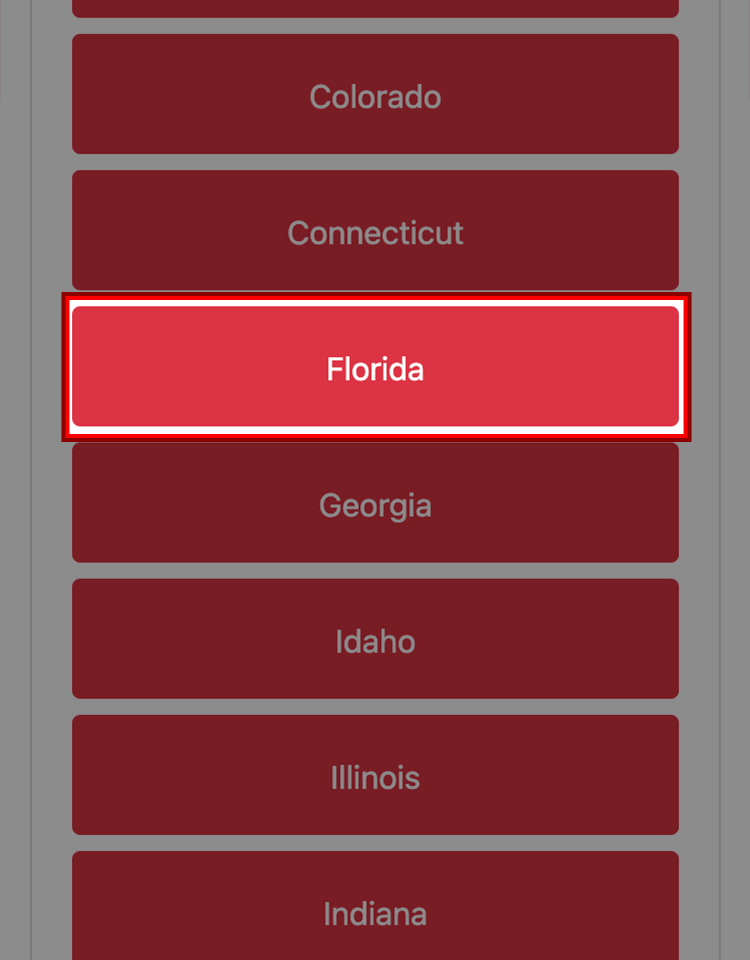
Select Florida
4
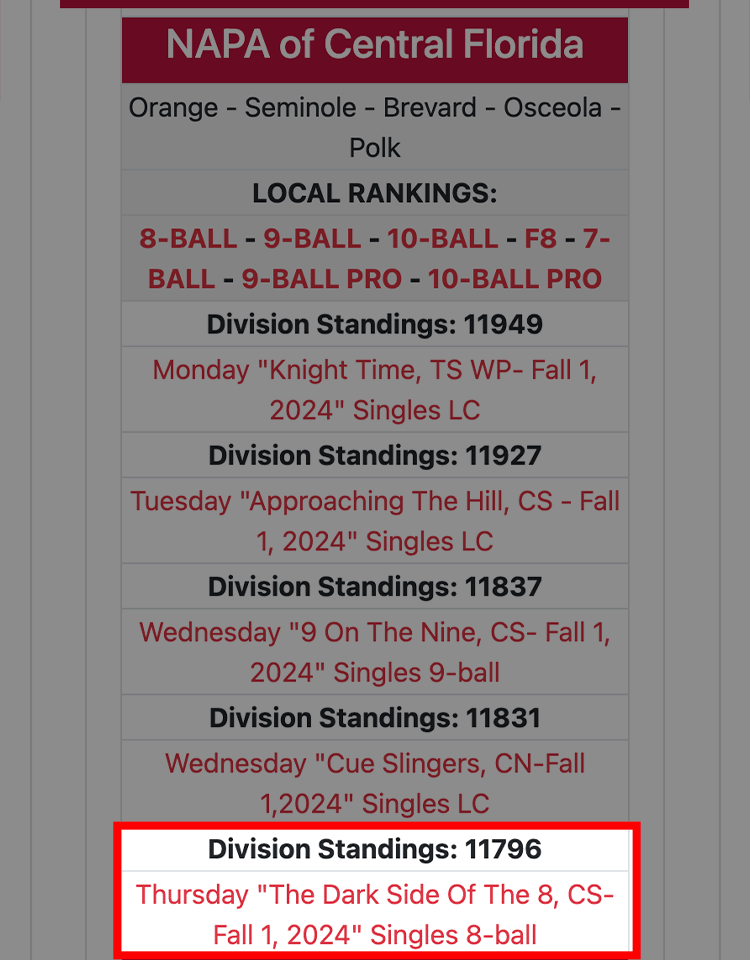
Select your league (Division 11796)
5
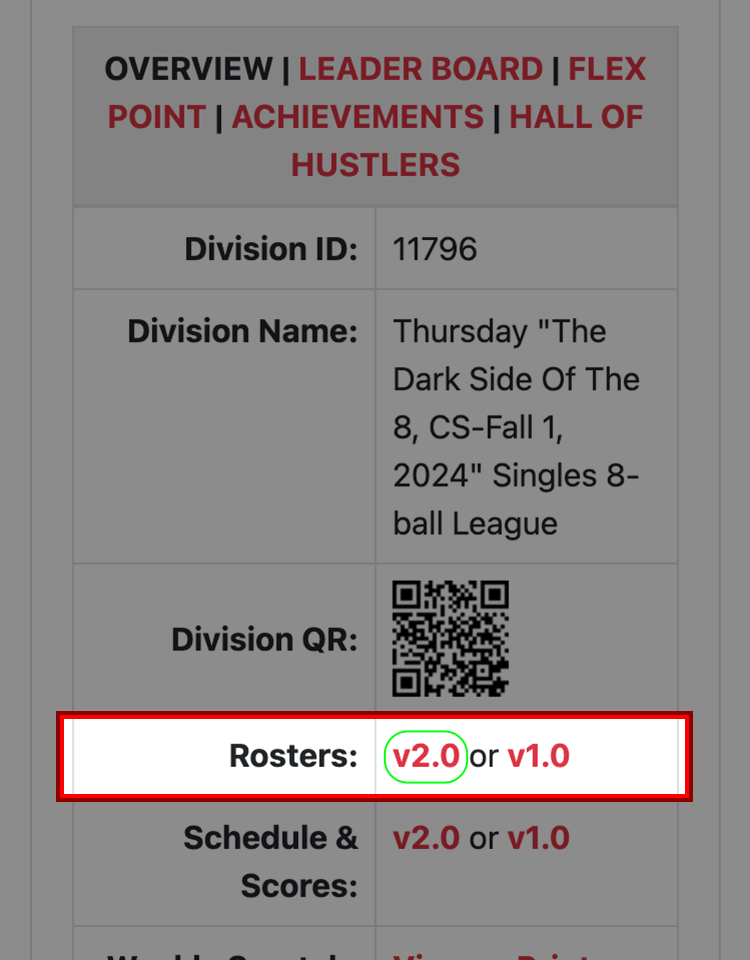
The Division Number is at the Top of the Page
Click on Roster v2.0 (It will open in a new window) The Captain’s Name and Number are together
6
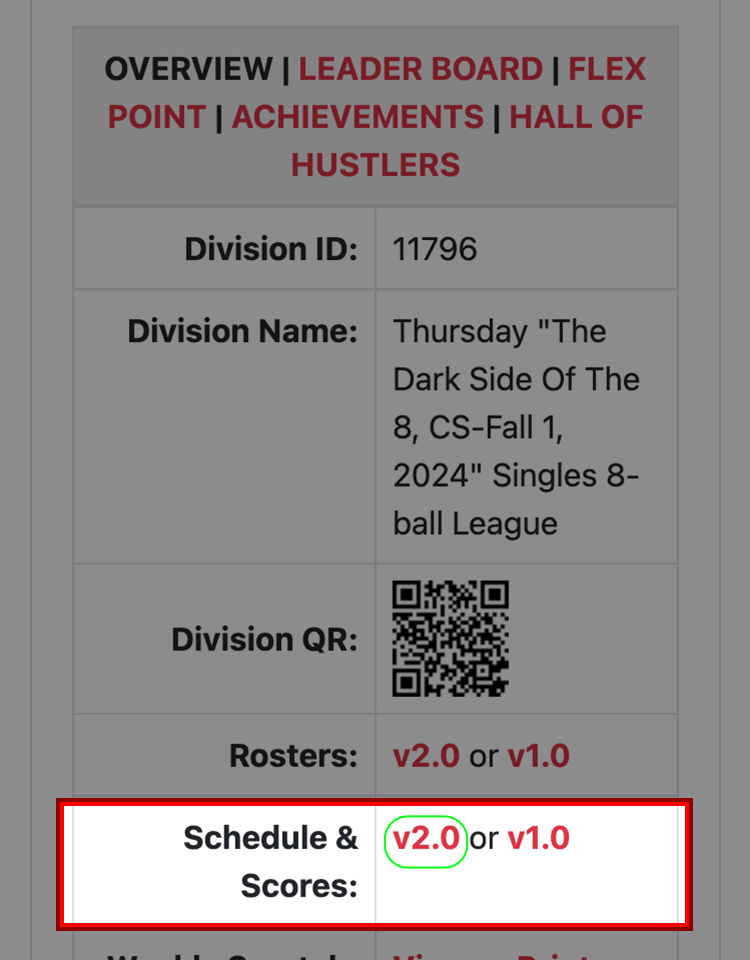
Click on Schedule & Scores v2.0 (It will open in a new window)
If you want the Competition Sheet slide to the right of the Teams or Players. Click v2.0 (It will open in a new window)
7
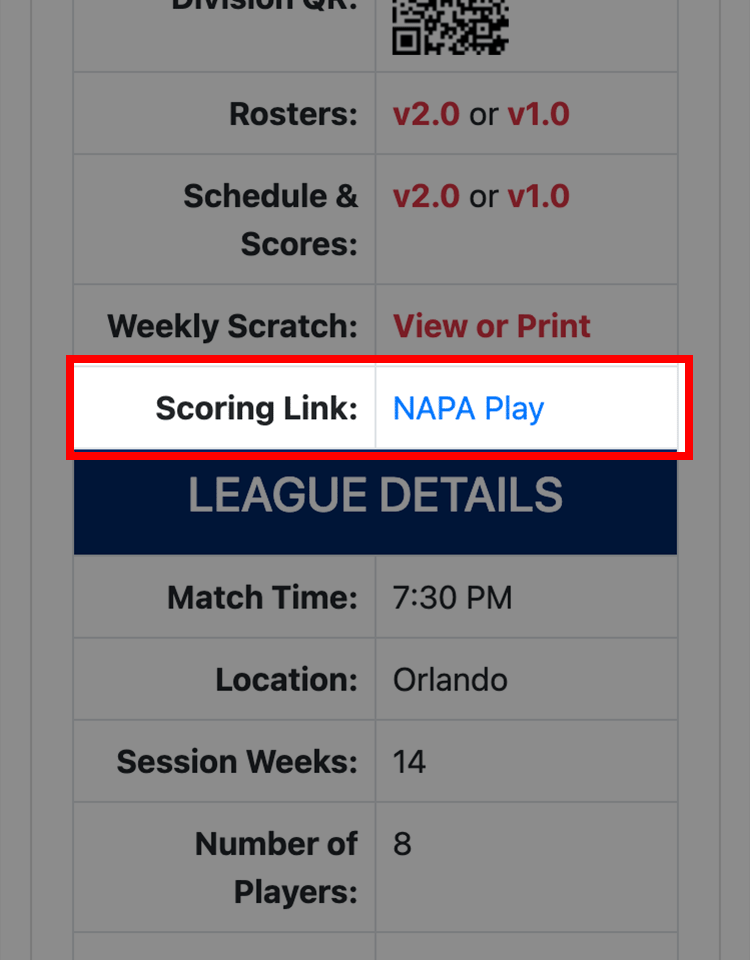
Return to the League Details Page (This window is still open)
Select Scoring Link: NAPA Play
8
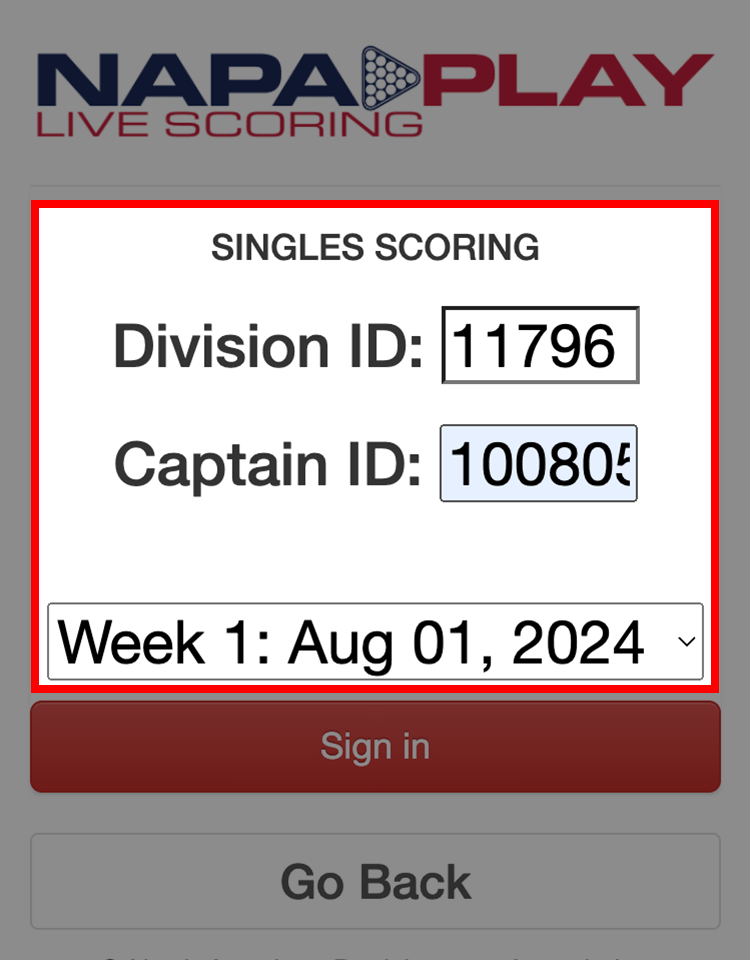
It will say or select Teams or Singles Scoring
Enter Division ID
Enter Captain ID
9
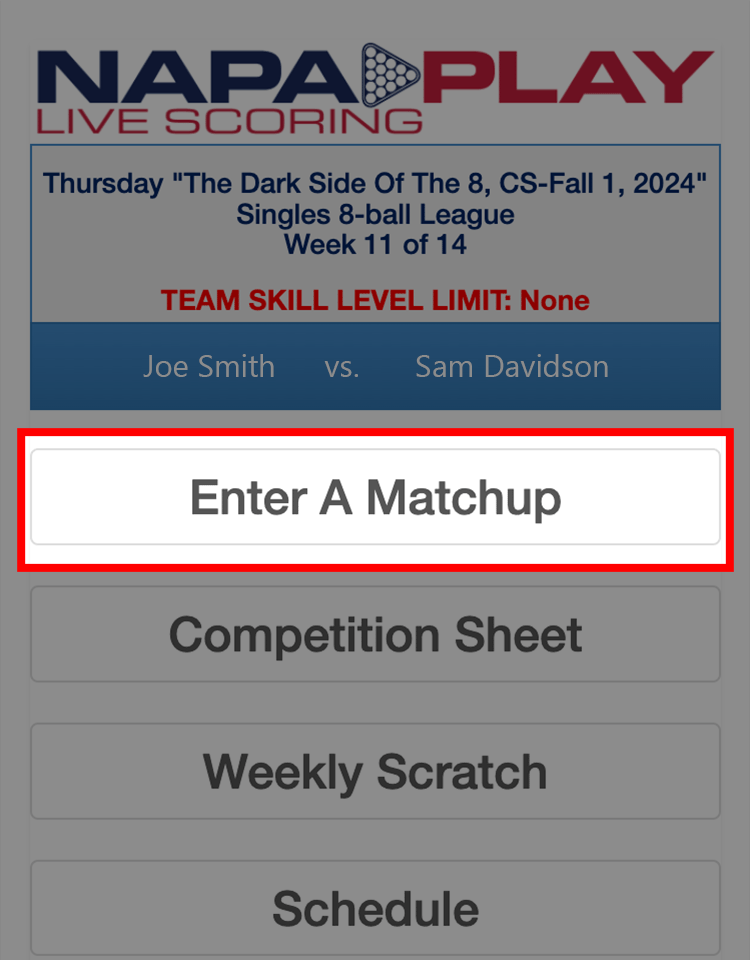
Select Enter A Match Up
10
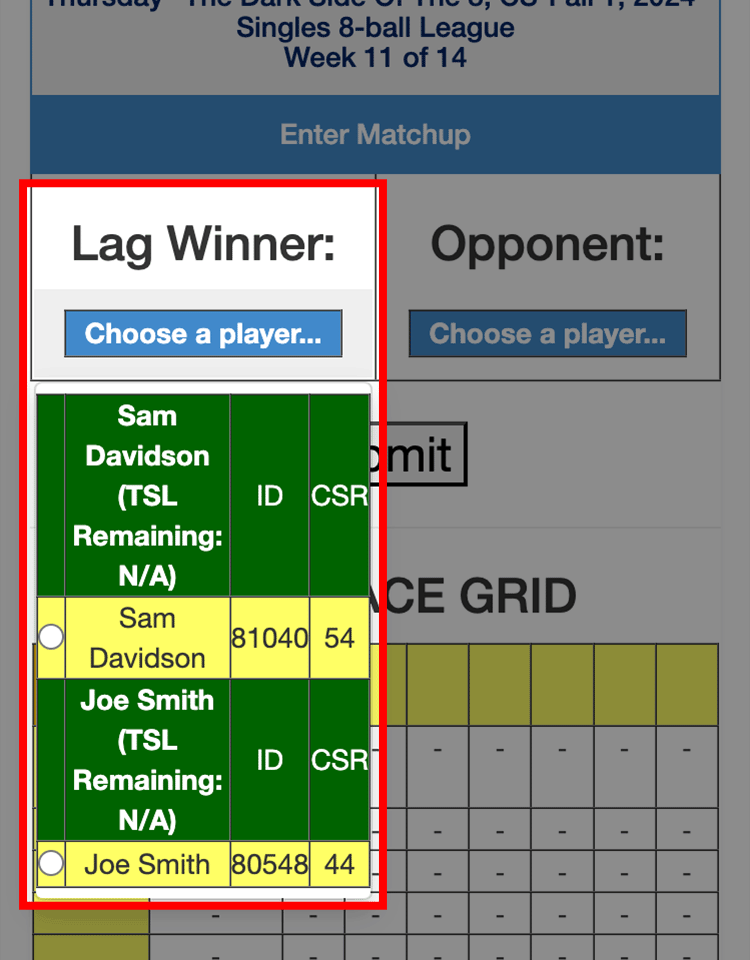
Enter the Lag Winner First Then the Other Player
11
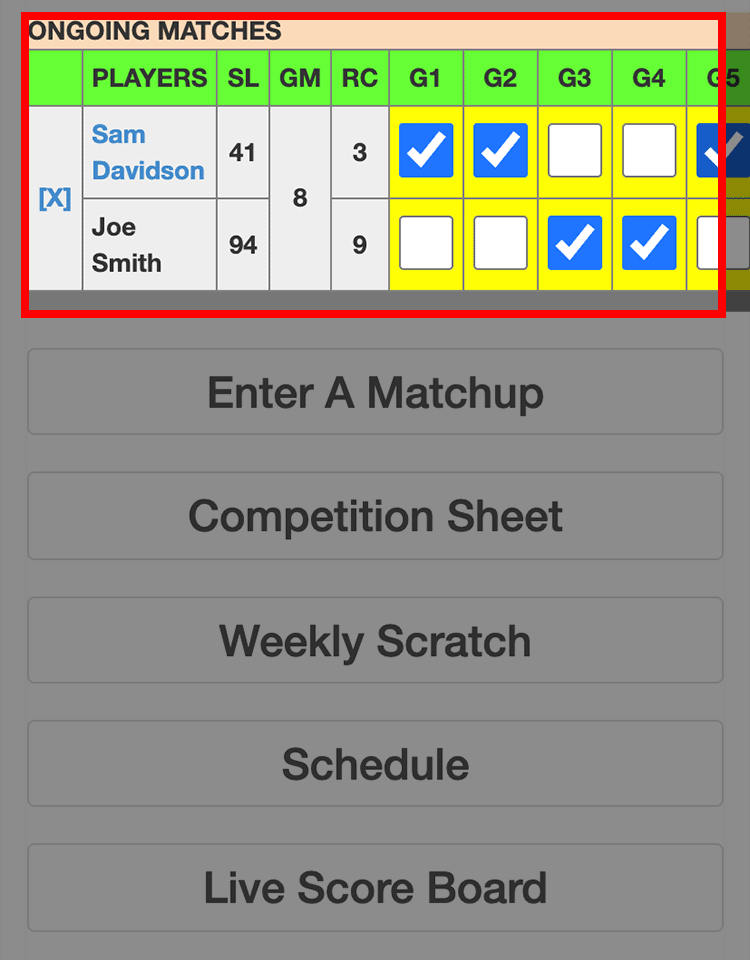
Enter the Games Won and Bonus Points
12
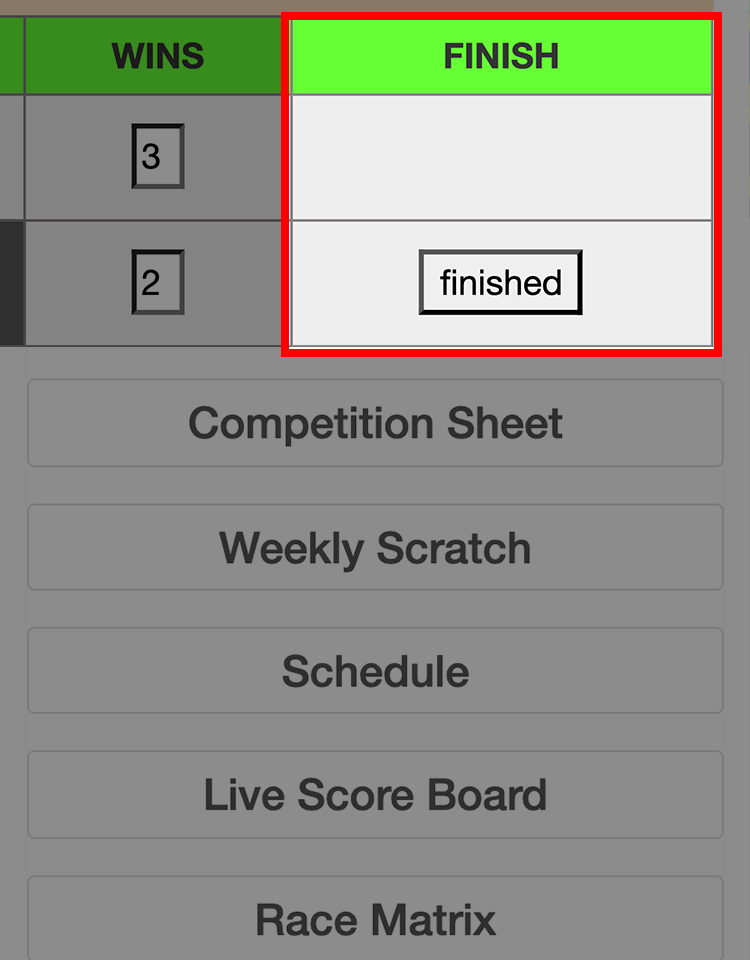
Select “finished” and Check Scores
13
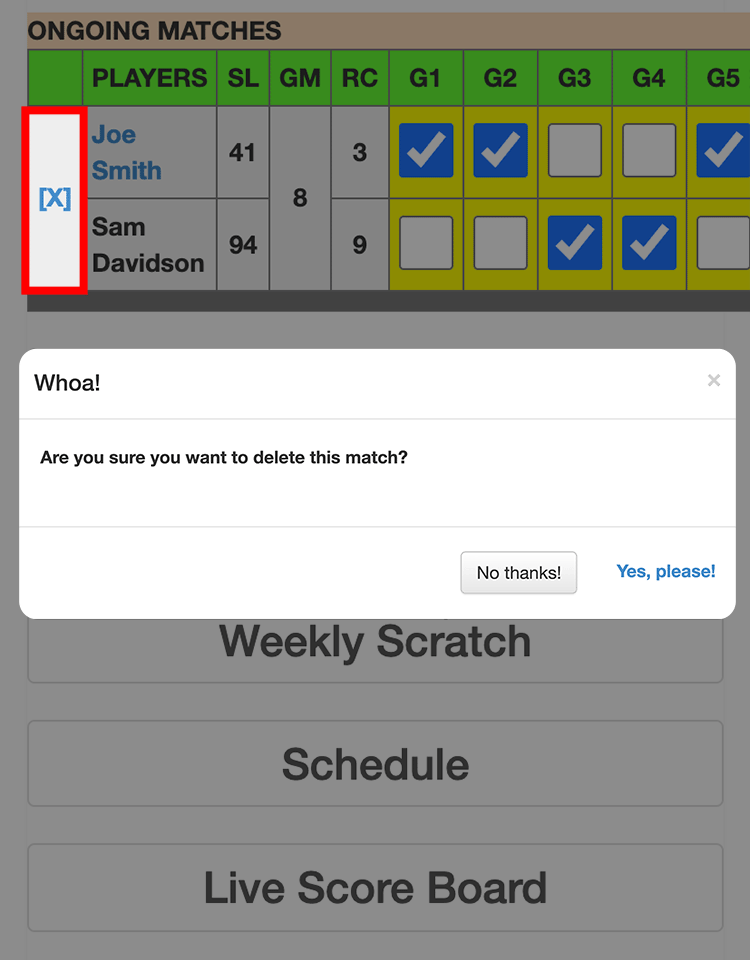
If there is an error, slide to the left and Select “X” or “E” to delete or reopen and correct the scores.
14
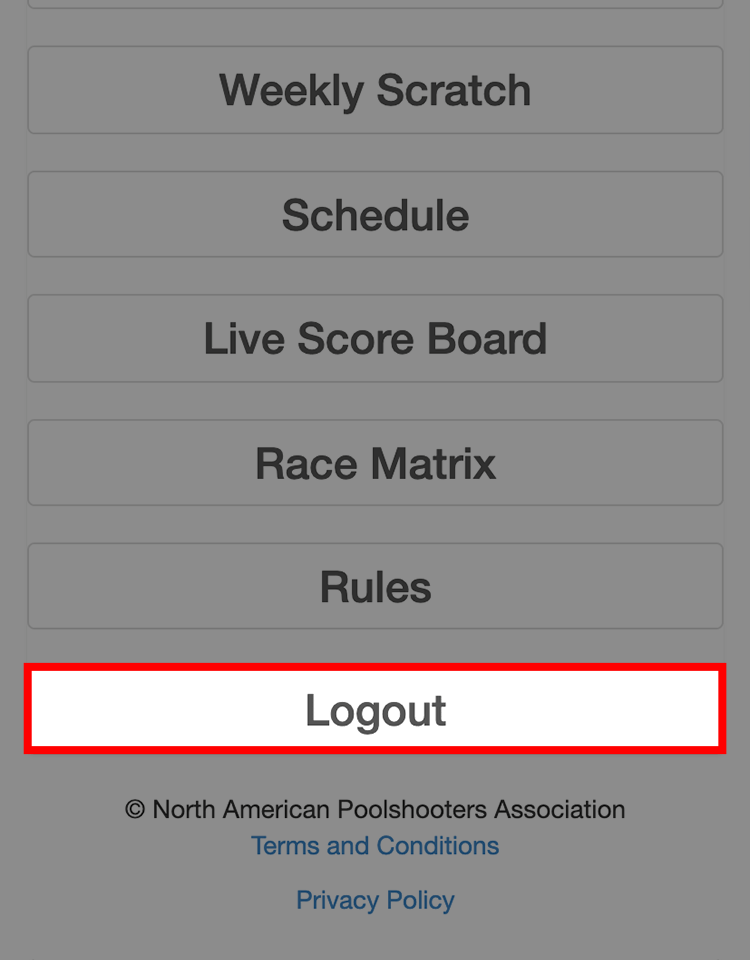
When complete scroll to the bottom and select Log Out (If not the system will keep you logged in and unable to record scores for the rest of the day)
You are finished, close all NAPA windows.
Congratulations!